Why Lab Integrations Fail: Causes and Warning Signs
Lab system integrations fail for three reasons: messages disappear without raising an error, no one agreed which system owns the master data, or write failures leave nothing in a log. Each failure mode produces a distinct symptom. This article maps those symptoms to their root causes and shows you how to confirm which problem you are dealing with - before you hand it to an engineer.
The short answer on LIMS integration problems
Lab integration failure causes tend to cluster around three patterns. Fire-and-forget API calls drop messages silently. Point-to-point connections between a LIMS, an ERP, and instrument software create competing copies of the same record with no agreed owner. And when an integration has no structured log of write failures, every lost record stays invisible until a customer or an auditor finds it first.
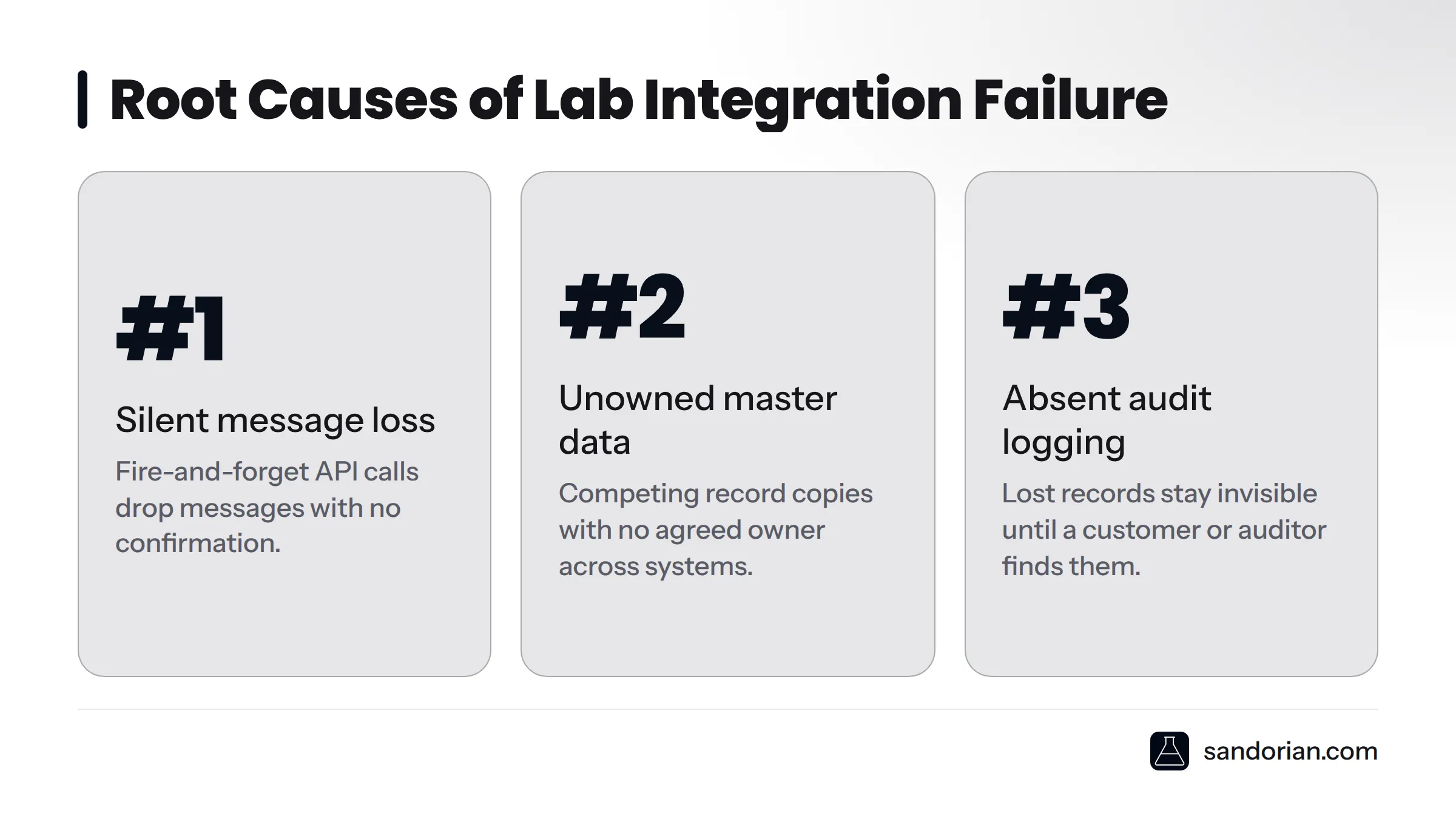
Silent message loss, unowned master data, and absent audit logging account for the majority of failing integrations we see when we take over stalled or broken projects. Each is diagnosable. None requires a full rebuild to confirm.
Symptom 1: Data disappears without an error
What it looks like
The LIMS shows fewer records than the sending instrument. Samples that were processed are missing from the results database. Nobody received an error alert. The monitoring dashboard shows the connection as active. To a lab manager, everything looks fine - the data is simply gone.
This is the most dangerous failure mode precisely because it is invisible. An outage announces itself. Silent loss does not.
Why it happens
Three engineering decisions - each individually defensible - combine to create this failure pattern.
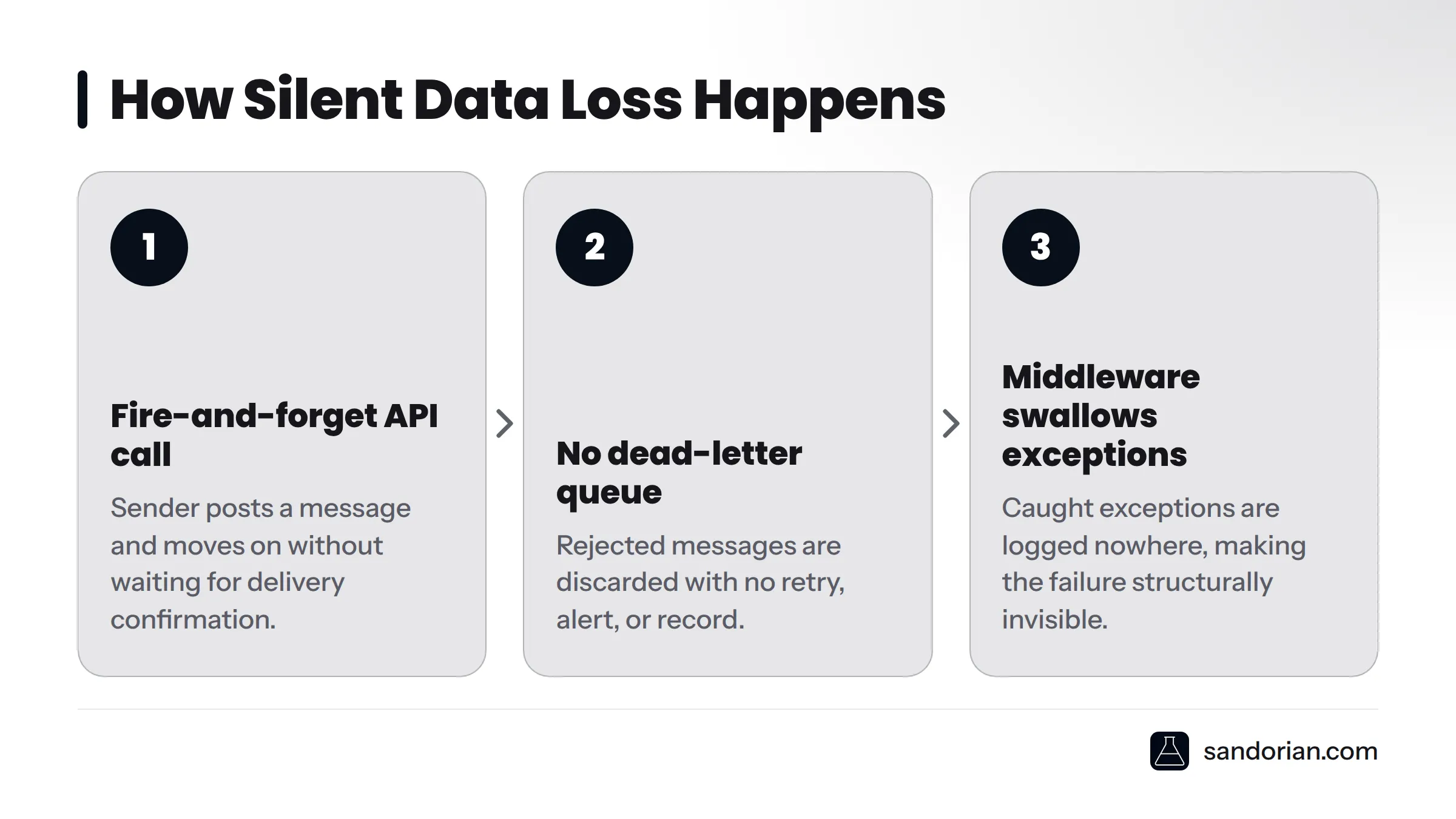
Fire-and-forget API calls. The sending system posts a message and moves on without waiting for a delivery confirmation. If the receiving system is temporarily unavailable, or rejects the message for a schema reason, the sender never finds out.
No dead-letter queue. A dead-letter queue is a holding area for messages that could not be delivered or processed. Without one, a rejected message is discarded. There is no retry, no alert, and no record that the message ever arrived.
Middleware that swallows exceptions. When lab middleware catches an exception during transformation or routing and logs nothing, the failure becomes structurally invisible. The exception happened; the middleware absorbed it; the message never reached its destination.
Point-to-point integrations - where the instrument talks directly to the LIMS without a message broker in between - are especially vulnerable. There is no queue to inspect when something goes wrong.
How to confirm this is your problem
- Compare record counts between the sending system and the LIMS at a fixed time window. End of shift is a practical checkpoint.
- Check whether your middleware or message broker exposes a dead-letter queue. If it does not exist, silent loss is structurally possible at all times.
- Look for delivery receipts or acknowledgement messages in the integration logs. If the sending system has no record of a rejection, and the receiving system has no record of arrival, the message was lost in transit.
The dangerous property of silent message loss is that the integration appears healthy. Dashboards are green. Alerts are quiet. The data is simply gone.
Symptom 2: Nobody knows which system is the source of truth
What it looks like
The same sample appears with status "approved" in the LIMS and "pending" in the ERP. A correction made by a scientist in the LIMS is overwritten overnight by a batch sync from the instrument software. Two systems show two different result values for the same test. Staff have learned to check both systems and use their own judgement about which one to trust - which means neither system is authoritative.
Why it happens
Master data ownership is a governance decision, not a technical one. When that decision is skipped at project start, the integration fills the gap by default: both systems write to the same fields, and whichever ran last wins.
Point-to-point integration makes this worse. When the LIMS, the ERP, the instrument software, and a customer portal are all connected directly to each other, every system becomes a potential writer for every field. Without a declared source of truth for each data entity - sample status, patient identifier, result value, unit of measure - all of them are simultaneously authoritative and none of them can be trusted.
The pattern I see most often in rescue engagements: the integration was built by connecting systems as they existed at go-live, with no documented decision about which system owns which field. A year later, the lab has four systems with four versions of the same record.
How to confirm this is your problem
Pick a specific field - sample status is usually the easiest starting point - and trace every system that can write to it. Then check the timestamp of the last write from each system against the current value. If more than one system wrote to that field in the last 24 hours, and there is no documented rule about which write should win, you have an unowned master data problem.
The fix begins with a data ownership decision, not a technical change. Until someone declares which system is the source of truth for each field, any technical remediation is temporary.
In regulated labs, data integrity requires a single source of truth. When two systems can both write the same field, neither is trustworthy under audit.
Symptom 3: Write failures leave no trace
What it looks like
Data is occasionally missing with no accompanying error. Discrepancies surface at audit, or when a customer raises a complaint, with no log to reconstruct what happened. The lab can confirm that a result is missing but cannot confirm whether it was ever received, whether the write was attempted, or whether something rejected it.
Why it happens
Write failure logging is frequently treated as optional during integration build. The integration posts a record to the LIMS database; if the write fails - because of a constraint violation, a schema mismatch, or a temporary lock - the exception is either caught and silently discarded, or not caught at all. Either way, nothing is written to a structured failure log.
The integration may have an application log, but application logs and integration failure logs serve different purposes. An application log tells you the service is running. An integration failure log tells you which inbound messages were received, which were written successfully, and which failed and why. Most integrations we take over have the first and not the second.
How to confirm this is your problem
Trigger a deliberate write failure in a test environment - a schema mismatch or a duplicate key violation both work - and then search every available log for a record of it. If you cannot find it, your integration has no structured failure audit trail.
Then ask: does the integration generate a ticket, email, or alert when a write fails? If the answer is no, failures are silent by design.
ISO 17025:2017 and ISO 15189:2022 both require that records of laboratory activities be accurate and complete. Under those standards, "we don't know whether the write succeeded" is not an acceptable answer. The ALCOA+ principles - Attributable, Legible, Contemporaneous, Original, Accurate, plus Complete, Consistent, Enduring, and Available - apply to the integration layer as much as they apply to the LIMS records themselves. An integration that drops write failures without logging them fails the Completeness and Availability criteria before an auditor opens the system.
For a detailed look at what audit-ready lab software needs to record at the integration layer, the Sandorian knowledge base covers the full requirements.
Under ISO 17025 and ISO 15189, the audit trail must show what data was received, when, and what the system did with it. "We don't know" is not an acceptable answer. See laboratory software validation for what a compliant system must demonstrate.
How to tell which problem applies
The three failure modes share one property: they are all discovered late. What distinguishes them is the type of evidence - or absence of evidence - available when you look.
| Symptom | Most likely root cause | Confirming test |
|---|---|---|
| Records missing, no error in log | Silent message loss | Check queue depth and delivery receipts; confirm dead-letter queue exists |
| Same field has different values in two systems | Unowned master data | Trace last-write ownership and timestamp for that specific field |
| Discrepancies found at audit, no log to check | Absent audit logging | Trigger a controlled write failure in test; search all logs for a record of it |
| All three present simultaneously | Architectural: point-to-point integration without governance | Integration health review required |
Seeing all three at once means the problem is not a single misconfiguration - it is an architecture built without integration governance from the start. That combination is common in integrations we take over from previous contractors where no one currently employed can explain how it works.
This video from Acuver Consulting explains concisely why integration failures are structurally harder to detect than outright system outages - which is exactly what makes the diagnostic step so important before attempting any fix:
Warning signs you are already in a failing integration
A lab manager or QA lead does not need engineering access to recognise most of these. Check them against your current environment.
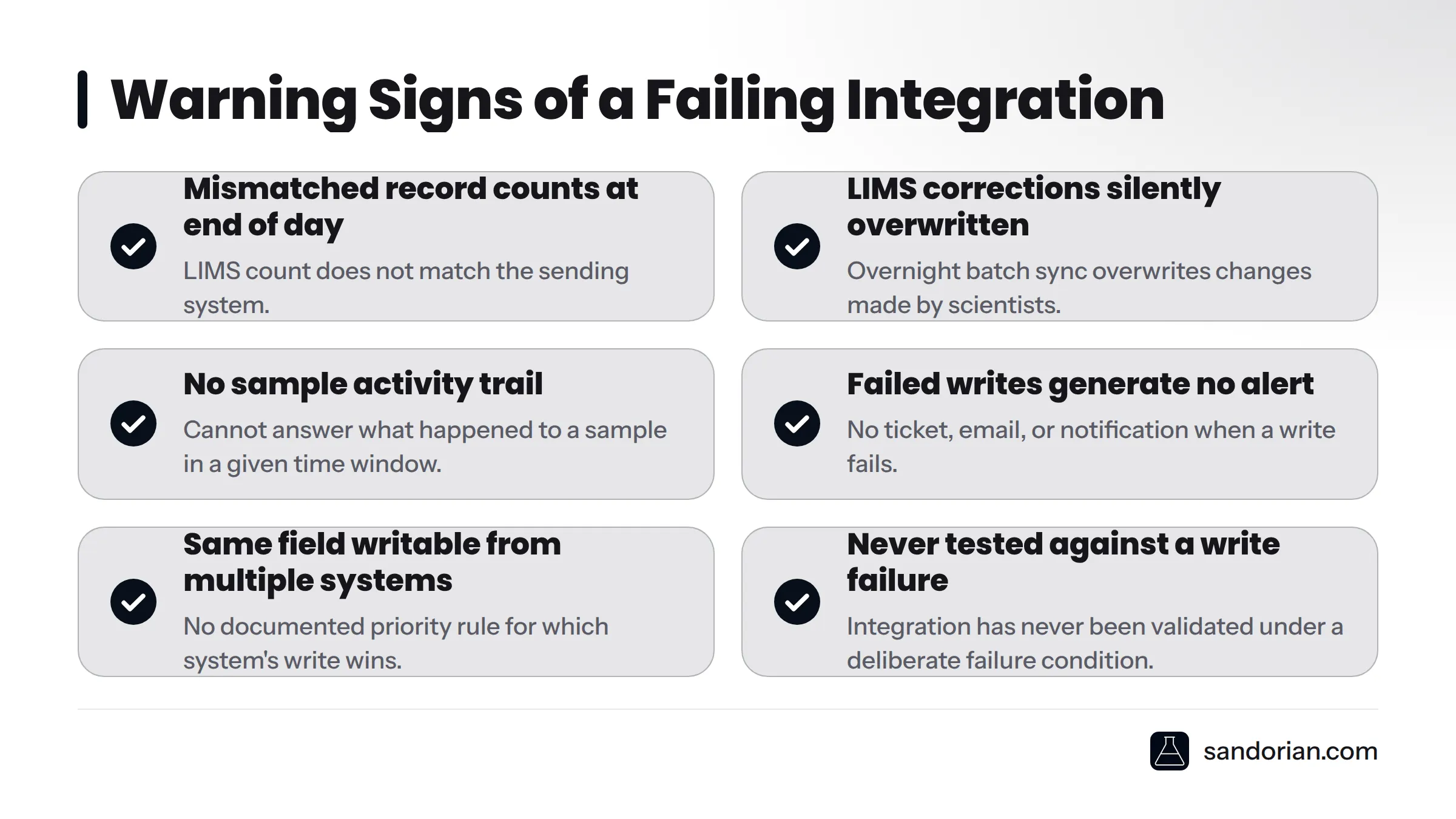
- Record counts in the LIMS do not match counts in the sending system at end of day
- Corrections made in the LIMS are silently overwritten overnight by a batch sync
- There is no way to answer "what happened to sample X between 14:00 and 16:00 yesterday?"
- The integration was built by a previous contractor and nobody currently employed understands it
- The integration has no monitoring beyond "is the connection alive?"
- Failed writes do not generate a ticket, email, or alert of any kind
- The same data field is writable from more than one system with no documented priority rule
- The integration has never been tested against a deliberate write failure
If more than two of these apply to your integration, the question is not whether it will fail - it is whether it already has. Sandorian's knowledge base on lab workflow automation covers the broader governance patterns that prevent these warning signs from developing in the first place.
Where to go next
This article diagnoses. Remediation lives on the pages below - pick the one that matches where you are.
- To fix a failed LIMS integration and understand the API layer: start with how to do a LIMS API integration for a structured walkthrough of the technical requirements.
- To build an integration correctly from the start: the integration requirements checklist covers the governance and data ownership decisions that prevent all three failure modes.
- To understand your compliance obligations around audit trails: laboratory software validation covers what a regulated lab must demonstrate to an auditor about its integration layer.
- To confirm whether your integration can be rescued or needs to be rebuilt: Sandorian's LIMS integration services include an integration health-check for stalled and failing projects. If your integration is producing inconsistent data or you have inherited something no one can explain, a health-check call is the fastest way to get a clear picture of what you are dealing with - and what it would take to fix it.
Sources
Let's talk
We build the systems that power your business. Let us know how we can help.
Book a 30-min Call